TapTap Login Button Design Rules
1. Login Button Types
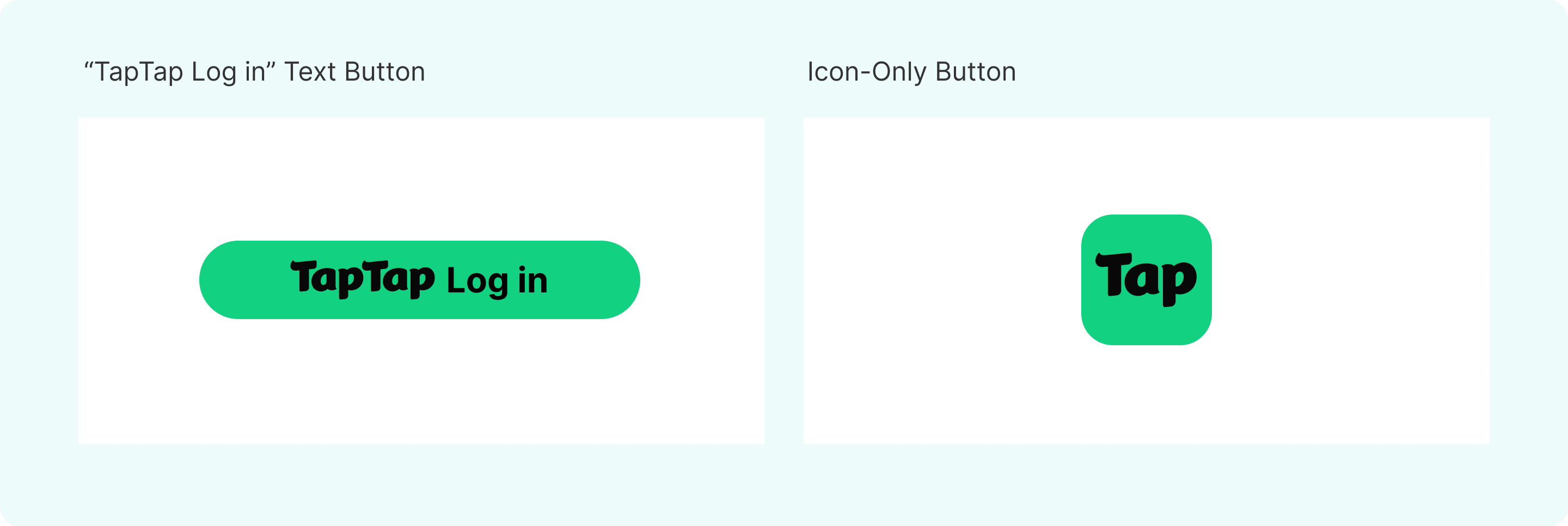
TapTap login buttons come in two formats: the "TapTap Login" text button and the icon-only button.
2. "TapTap Login" Text Button
2.1 Official Default Buttons
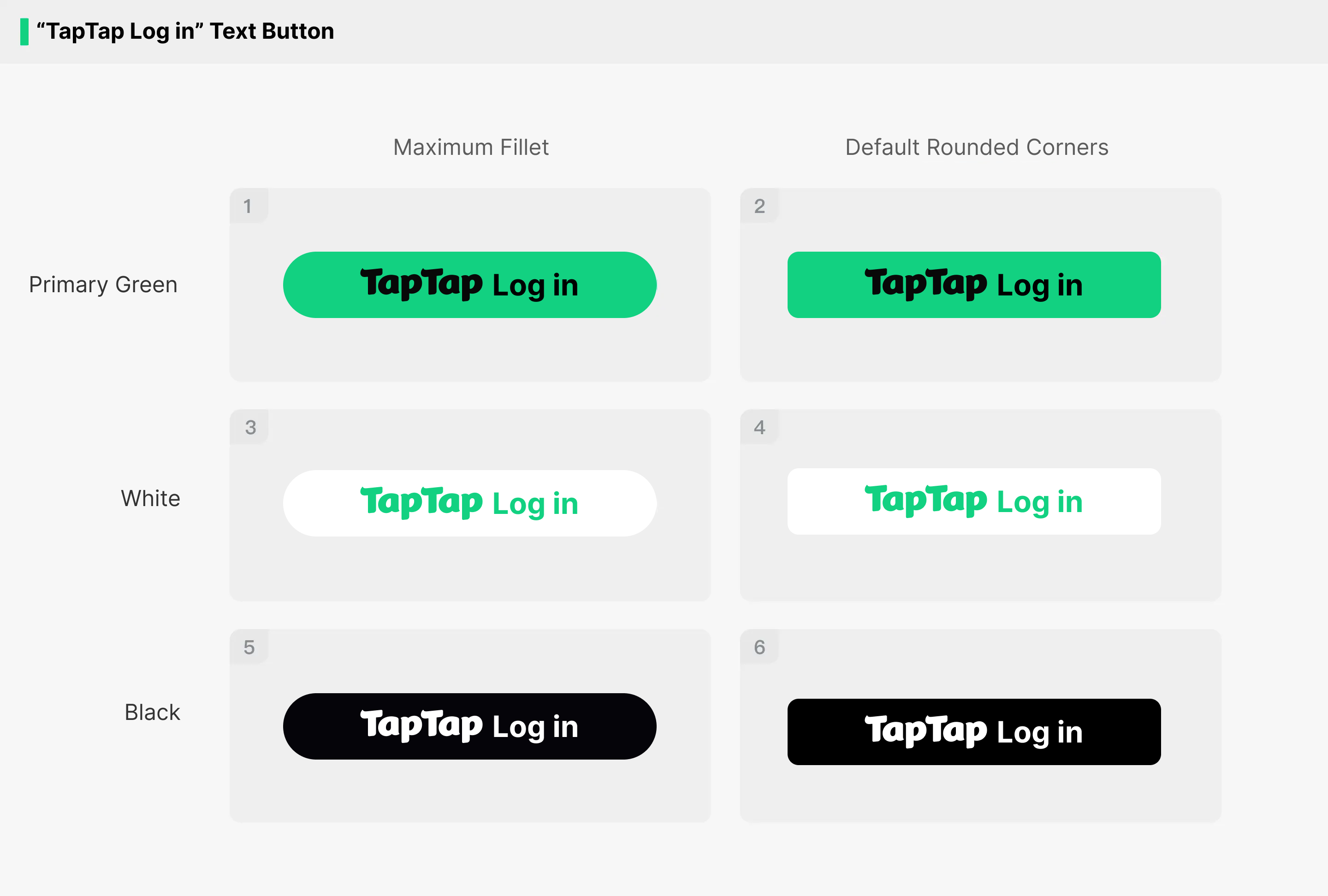
For the "TapTap Login" text button, TapTap provides 3 colors and 2 variants: maximum corner radius and default corner radius. Do not use the minimum corner radius (sharp-corner) button. Choose from the 6 styles below. You can download the official design resource pack for implementation.
2.2 Button Size
The default height is 50 pt. While keeping the TapTap login button's aspect ratio unchanged, you may adjust the button size according to the layout rules of the game screen.

2.3 Notes
When using the "TapTap Login" text button, do not change the button style or make any modifications to the official standard styles. For example, do not add strokes, gradients, shadows, or textures. While keeping the button's aspect ratio unchanged, you may adjust the button size according to the layout rules of the game screen.
2.4 Examples
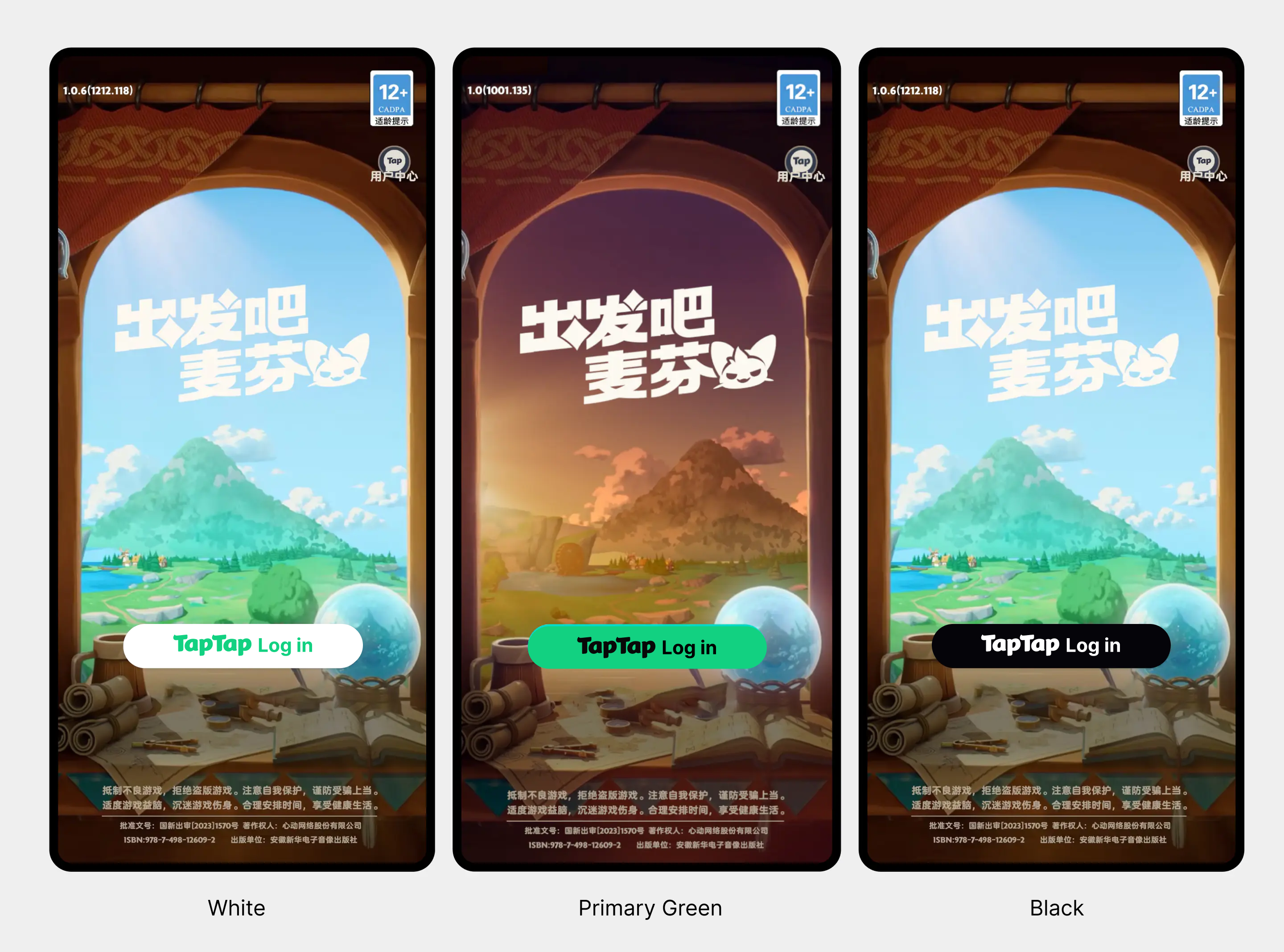
Portrait game example (for reference only; the final result depends on the in-game implementation)
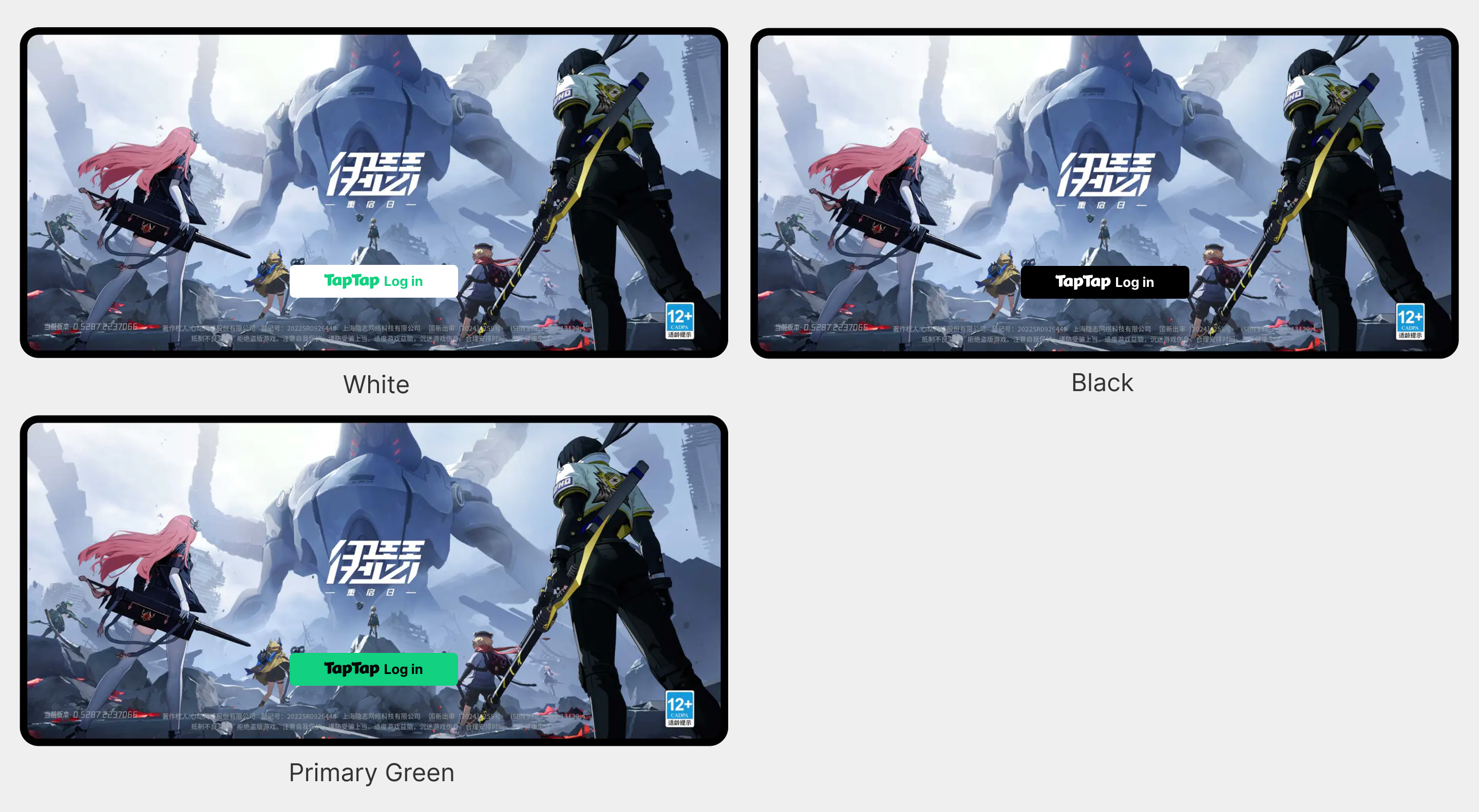
Landscape game example (for reference only; the final result depends on the in-game implementation)
3. Icon-Only Button
3.1 Official Default Buttons
For the icon-only button, TapTap provides 2 colors and 3 variants: circle, sharp-corner rectangle, and rounded rectangle. Choose from the 6 styles below. You can download the official design resource pack for implementation.
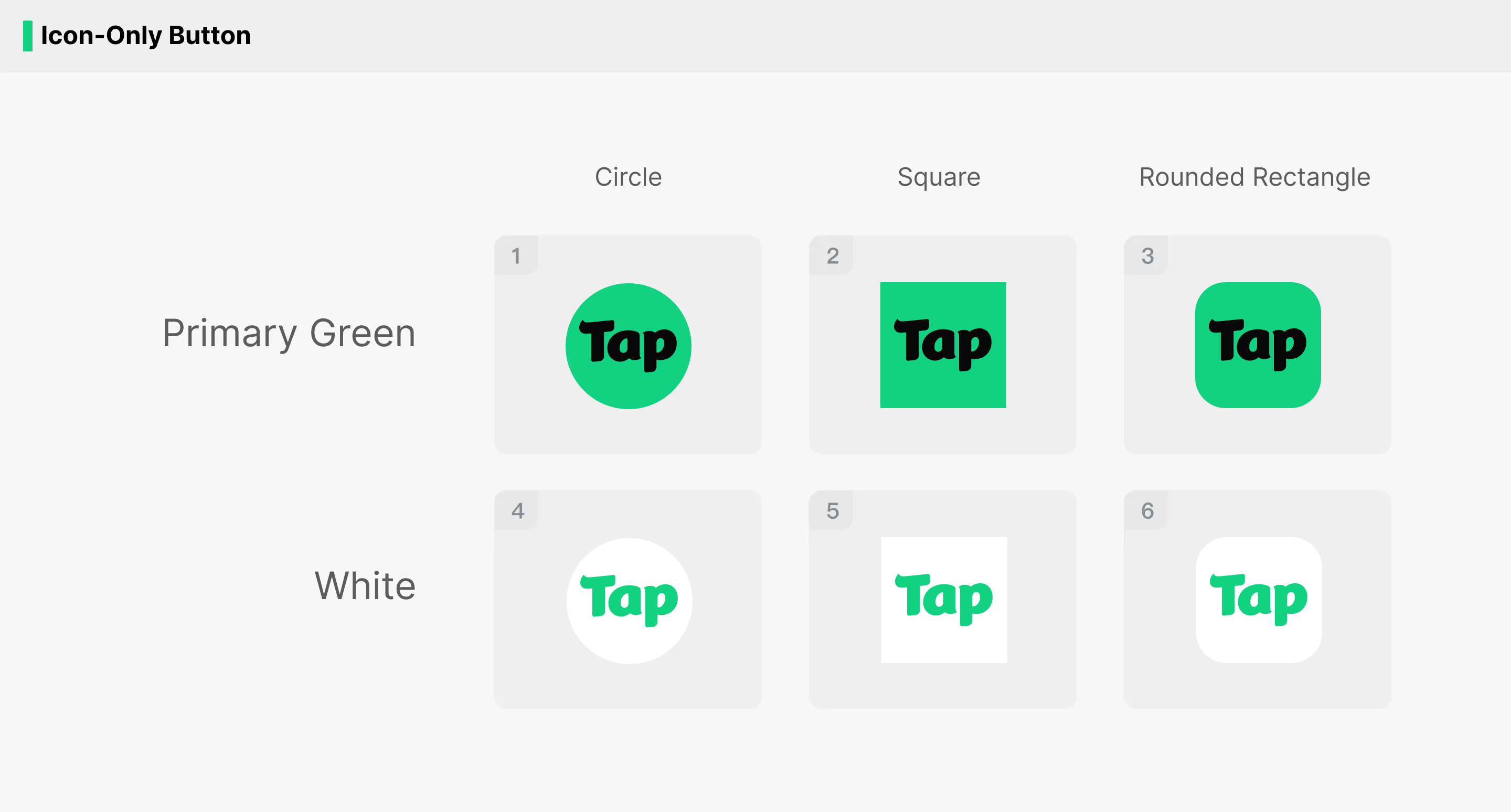
3.2 Button Size
The default size is 40*40 pt. While keeping the icon-only button at a 1:1 aspect ratio, you may adjust the button size according to the layout rules of the game screen or to match other button styles.

3.3 Notes
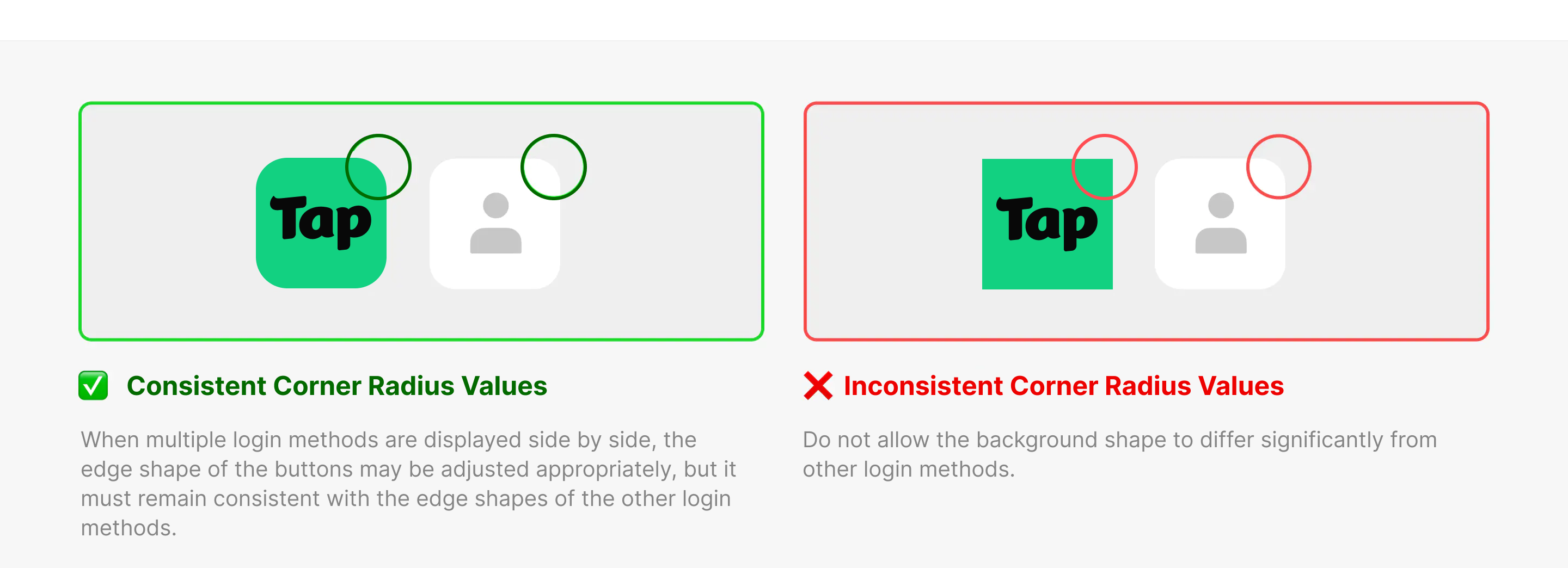
- Corner radius: When multiple login options are arranged together, if you use the rounded-rectangle icon-only button, keep the corner radius consistent.
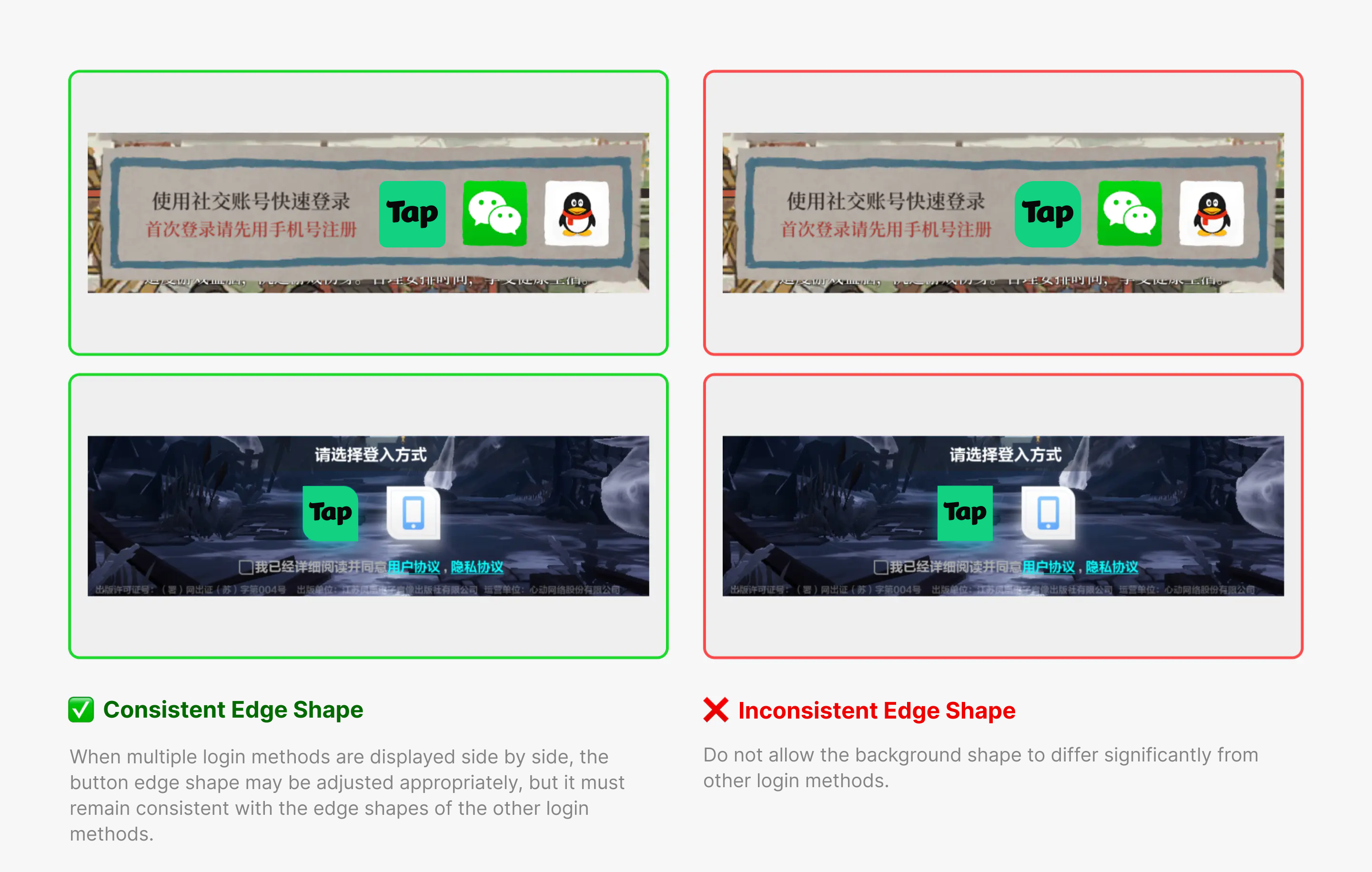
- Edge shape: When multiple login options are arranged together, you may slightly adjust the button edge shape, but it must remain consistent with the edge shape of other login options.
4. Latest Resource Download
Download the "TapTap Login" design resource pack.